Tech
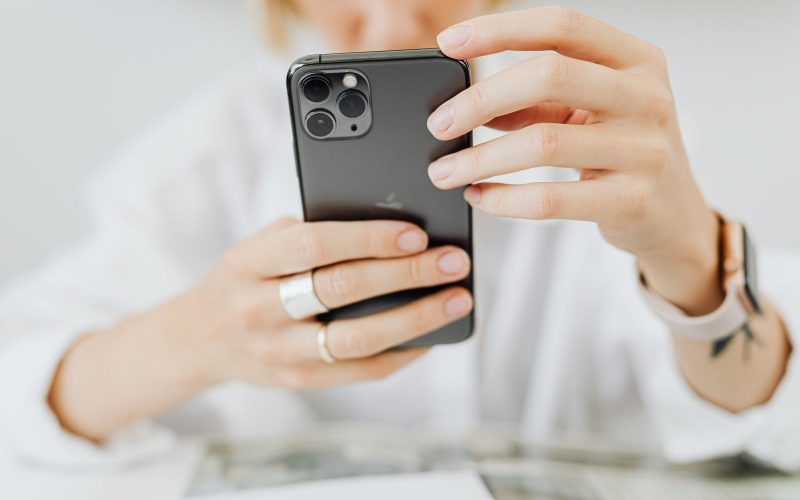
How to Turn Off Stolen Device Protection on iPhone
Turn off Stolen Device Protection in Settings, and why your iPhone may make you wait one hour first.
Ryan Mitchell writes TalesOrbit's tech how-to guides, from iPhone settings to Chromebook fixes. He focuses on clear, step-by-step instructions based on official help documentation.
Turn off Stolen Device Protection in Settings, and why your iPhone may make you wait one hour first.
Stop showing "Read" in iMessage for everyone or just one person. Steps for iPhone, iPad and Mac.
Turn off Do Not Disturb from Control Center, the Lock Screen or Settings, and fix it if it keeps coming back.
Hide the green dot and "Active now" label on Instagram in a few taps, on the app or the web.

ChromeOS has no settings switch, but a quick flag and the Search + Shift + T shortcut does the job.